Localization-Ready Playtesting: Spotting Text Overflow and Culture Gaps
Text overflow, untranslatable jokes and layout traps surface late. Here is how to playtest your localization readiness before it gets expensive.
Localization problems are cheap to fix in development and brutal to fix after your game is in fourteen languages. The classic failure sequence: you ship the localization branch six months after launch, the German strings overflow every menu, the joke that carried your whole intro scene means nothing in Japanese and the font you chose has no Cyrillic glyphs. Every one of those was a one-line fix in month four. Now they are a contractor schedule and a re-review of every screen.
Playtesting for localization readiness means finding those problems while they are still one-line fixes. Here is the checklist and how to test each part.
The three classes of localization failure
Layout failures. Text that no longer fits its container. English is compact. German compounds words into monsters. Russian strings run long. Japanese runs vertical habits into horizontal boxes. Your carefully designed UI has margins built around English lengths and every other language laughs at them.
Meaning failures. Jokes that do not translate, idioms that confuse, cultural references that land as noise. The wordplay in your item names was charming in English and is meaningless in Polish and nobody notices until Polish players screenshot it into your reviews.
Technical failures. Fonts missing glyphs, text baked into images, string concatenation that assembles sentences in the wrong grammar, dates and numbers formatted wrong, sort orders that break non-Latin alphabets.
Playtesting catches the first class almost completely, the second class partially and the third class if you know what to look for. Here is how.
Test overflow before you translate anything
You do not need translated strings to test layout. Use pseudo-localization: programmatically pad and distort your English strings to simulate other languages and play the game.
The standard tricks:
- Pad every string by 30 to 40 percent. If "Inventory" becomes "[ Inventory with extra padding ]" and breaks the button, you found a real bug now instead of in month nine.
- Swap in accented and diacritic characters. Your font and text renderer either handles them or it does not and you want that answer early.
- Test German as your first real language. It is the classic overflow stress test and it is a market worth respecting on its own.
Walk every screen in padded mode: menus, dialogs, item tooltips, achievements, error messages, the credits. Overflow found this way is a one-hour fix. Overflow found in the localized build is a designer re-laying-out forty screens around a contractor's schedule.
If your engine has a built-in pseudo-localization option, turn it on for a week and play your own build that way. The first time you see your pause menu explode, you will be a localization-aware developer forever.
Find the strings that are not strings
The most common technical failure is text that cannot be translated because it is not text: dialogue baked into screenshots, tutorial images with words, logos with subtitles inside them, hardcoded strings the programmer swore were in the localization file.
Test this by switching the game to any available language, including a partial one and hunting for anything still in English. Every survivor is either baked text or a missed string and both are bugs you can file today.
While hunting, also check the things around strings:
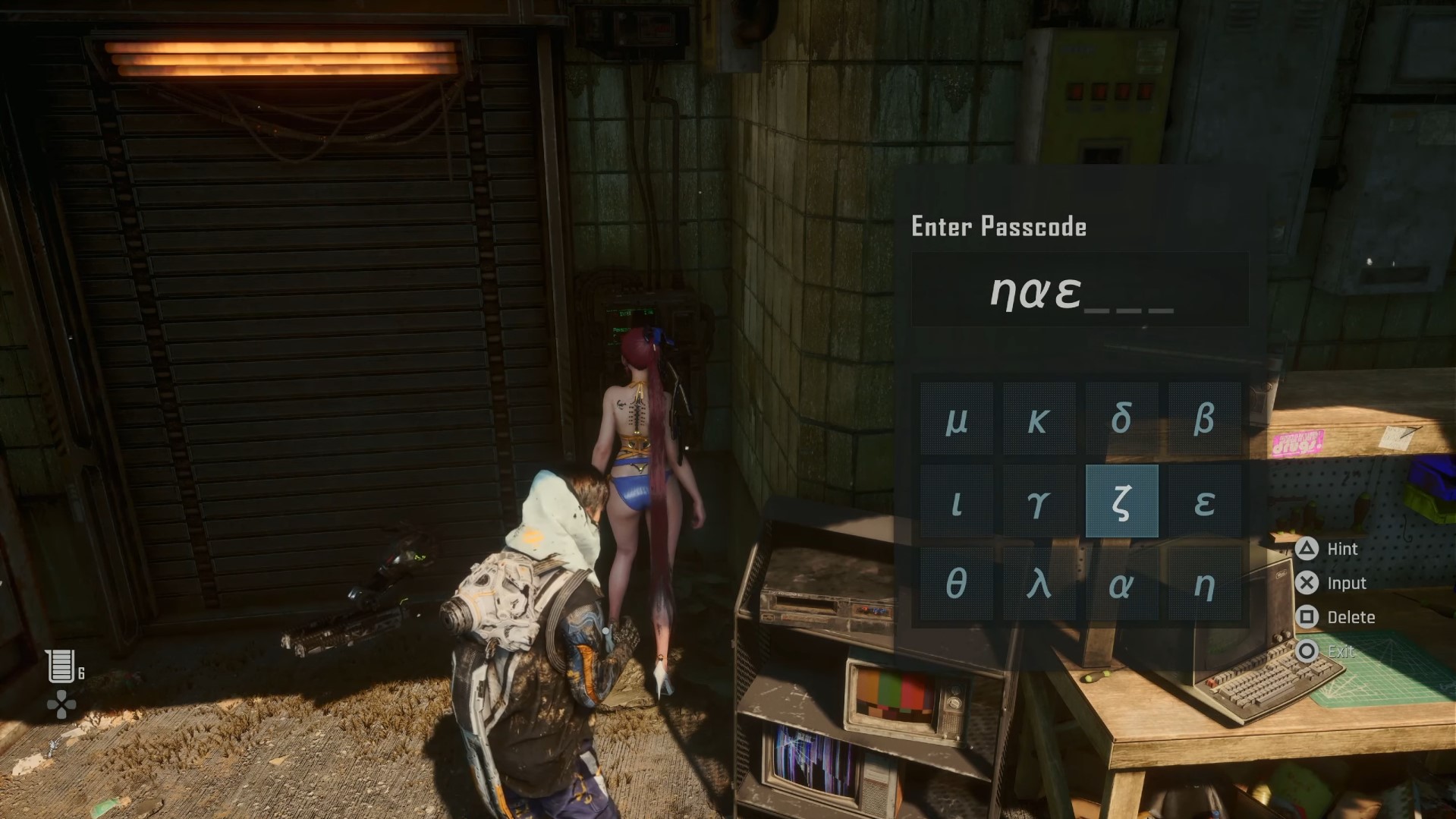
- Fonts. Does your UI font include Cyrillic, Greek, CJK where you plan to ship? Font choice is a localization decision made in month one and regretted in month nine.
- Number and date formats. A date that reads ambiguously across regions ("03/04" means different days in different countries) is a real usability bug.
- Sorting. Alphabetical lists that ignore locale rules look sloppy and unprofessional in every language that has them.
Playtesting the culture gaps
Meaning failures are harder to catch because they require native eyes. Two practical moves:
Recruit native-speaker testers early, per language. One playtester who natively speaks each of your priority languages, even for a single session, will find more meaning failures than any contractor pass after the fact. They will spot the idiom that sounds wrong, the joke that has no cultural foothold, the item name that reads as unfortunate and the tutorial phrasing that feels machine-translated even when it is not.
You can find native-speaker testers inside your general playtest pool with one screening question: "Which languages do you speak natively?" Tag the results and pull them when a language round opens. On playtest platforms this is straightforward and on PlaytestQuest it maps naturally to quest screening, since the tester pool is international and one extra survey question costs nothing.
Playtest the machine translation draft, if that is your strategy. Many indies machine-translate first and patch human quality later. If that is your plan, the honest playtest move is to test the machine draft with native speakers before you polish it, not after. A native tester marking up a machine draft for one hour produces the exact list of sentences that need human rewriting. Polishing a draft whose meaning is broken wastes every hour of that polish.
The localization-ready checklist
Run this before you commit to any languages:
- Pseudo-localization pass completed on every screen, no overflow anywhere
- All UI strings external, no baked text in images, font supports target scripts
- String length budgeted: UI tolerates strings at least 30% longer than English
- Dialogue and subtitles tested at larger text sizes with the longest realistic strings
- Number, date and currency formats locale-aware
- One native-speaker playtester identified per priority language
- Achievements, store descriptions and error messages included in the localization pass, since these are forgotten in every project
Why playtesting is the right tool here
Localization testing is usually framed as a QA task performed by contractors after translation. That framing is too late. The findings that matter, layout, signposting, font and meaning, are all discoverable with playtesters during ordinary development rounds, almost for free, as long as someone asks the questions.
Add one pseudo-localization session and one native-speaker session to your next round of playtests. The overflow bugs you find that afternoon will be the cheapest fixes of your year and the culture gaps will save you a review section full of "the translation is bad" in languages you cannot read to respond in.